Geo accuracy and limitations
Control the network, search, language, account, and browser signals involved in regional testing.
A VPN changes the network exit location. Search engines and sites can also use the search domain, query parameters, language, account history, cookies, browser geolocation, and the query itself.
Build a repeatable test
Choose the VPN route
Connect to an available location and wait for the connected state.
Set search behavior
Open browser settings and choose the Google domain, language, time range, result count, personalization setting, and any custom parameters required by the test.
Control stored state
Use the intended account and cookie state. A signed-in account or earlier searches can change the returned page.
Record the context
Save the query, date, VPN location, search domain, language, device, and other settings with the observation.
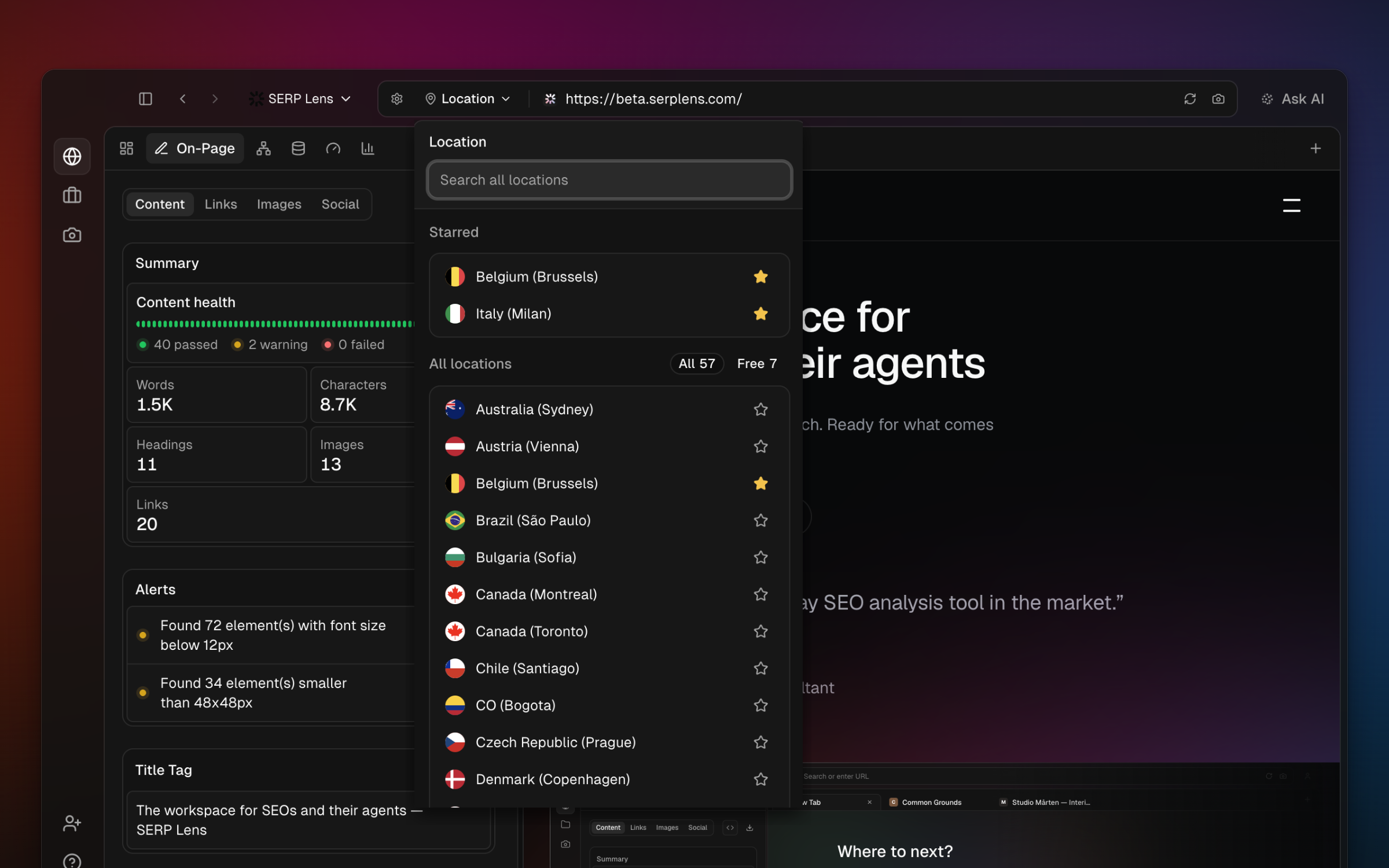
Browser geolocation
A site can request browser geolocation separately from IP location. Store a site-specific geolocation value only when the test requires it, then remove the exception from Manage site settings afterward.
Unexpected results
If the page does not match the intended region:
- Confirm that the VPN still shows Connected.
- Check the Google domain, language, and custom parameters.
- Review whether the query contains a different place name or
near meintent. - Test without a signed-in search account or existing site cookies when appropriate.
- Try another available location and record that the route changed.
Do not treat a VPN route as proof that every person in a region receives the same result page. Use rank tracking for a consistent saved position series and the browser for an interactive observation.