Competitor analysis
Compare a project domain with saved competitor domains for an individual tracked keyword.
Add up to 10 competitor domains in the project form. SERP Lens can then include their positions in a tracked keyword's history.
Open competitor history
- Open the project and find a tracked keyword.
- Open the keyword's action menu.
- Choose Competitor history.
- Select the period you want to inspect.
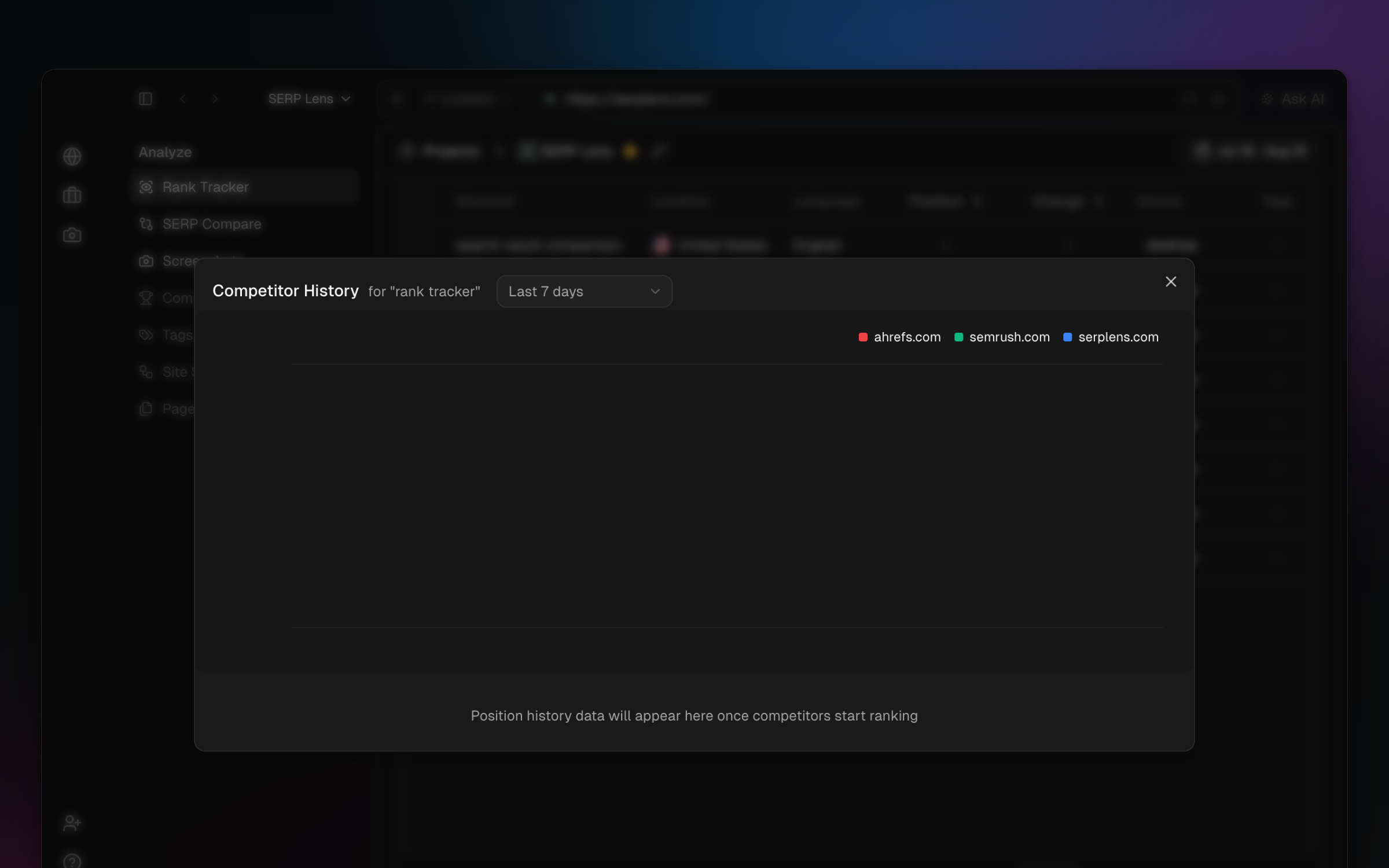
The view charts recorded competitor positions over the chosen period. A missing point can mean that the domain did not have a recorded position for that check.
Use the comparison
- Movement — compare whether the project and competitor domains rose or fell in the same period.
- Gaps — find terms where a competitor has a recorded position and the project does not.
- Volatility — separate a broad SERP movement from a change isolated to 1 domain.
The project and tracking setup determine which competitor data is available. Check the ranking-credit requirement before changing either one.