Browser settings
Configure page, site, and search behavior for the active SERP Lens browser tab.
Open the settings control beside the omnibar to change how the active tab loads and identifies itself. These controls are separate from app-wide Preferences.
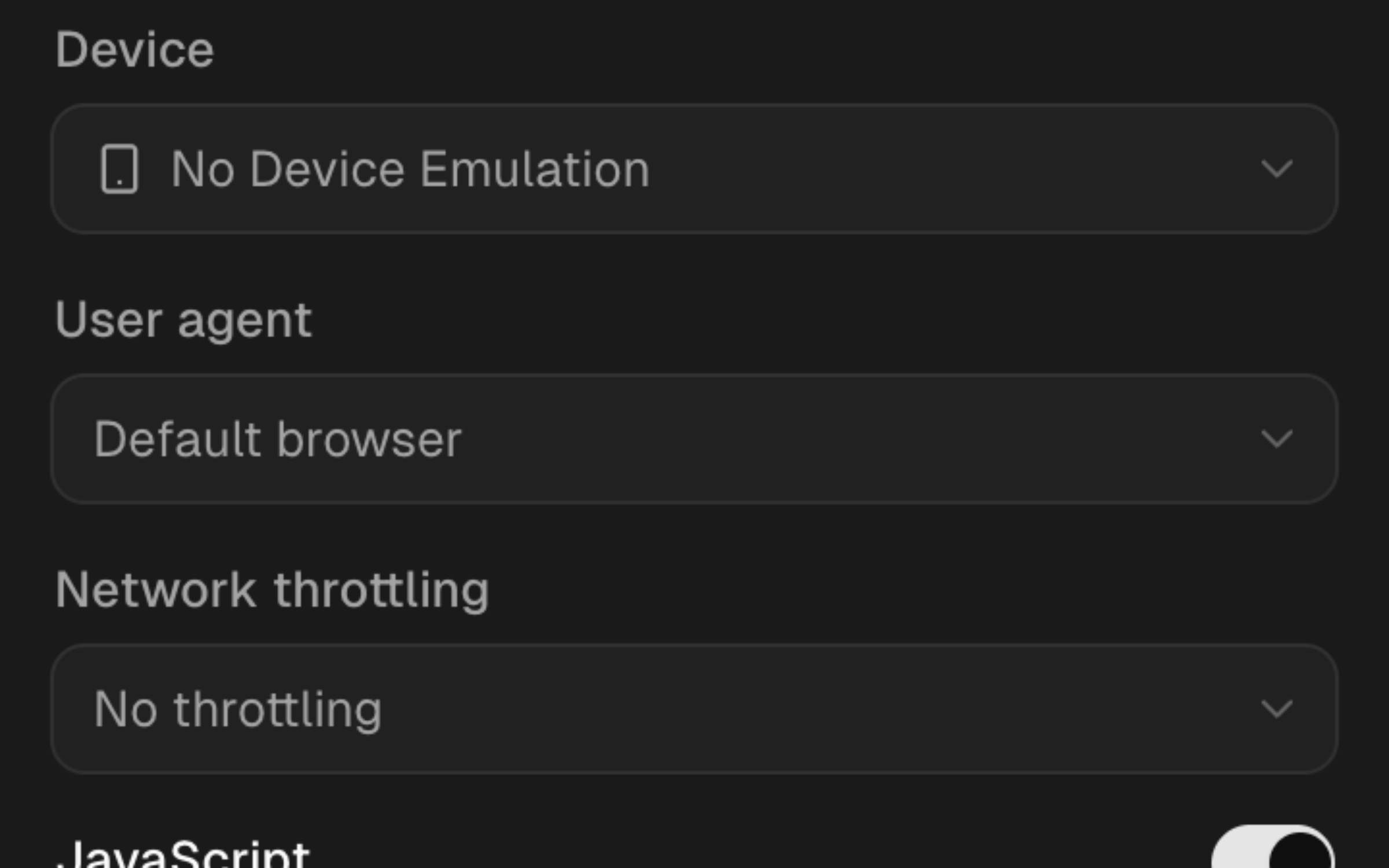
Page settings
| Setting | What changes |
|---|---|
| Device | Viewport, scale, and device emulation for the tab |
| User agent | The browser or crawler identity sent with requests |
| Network | The network throttling profile used by the tab |
| JavaScript | Whether page scripts can run |
| CSS | Whether stylesheets are applied |
| Cookies | Whether the tab can use cookies |
| Cache | Whether the tab can reuse cached responses |
The settings control stores the overrides for the active tab. Use Reload page when the panel shows that a change needs a reload.
Site settings
Geolocation and cookie exceptions can be stored for a site. Open Manage site settings from the settings panel to review or remove saved site-specific values.
A tab override lasts with that tab. A saved site exception can be applied again when you return to the same origin.
Search settings
The search section controls Google queries created from the omnibar:
- Google domain — choose the Google host used for the query.
- Language — set the query interface language.
- Time — add a time-range filter.
- Results per page — choose the requested result count.
- SafeSearch — request filtered results.
- Personalization — control whether the query requests personalized results.
- Hide ads — hide ad blocks in the supported SERP view.
- Custom parameters — append query parameters for a specialized test.
Search settings and the VPN affect different signals. The VPN changes the network exit location; domain, language, parameters, and account state can still change the returned page.