Core Web Vitals
Read live page-performance metrics, load timing, resource weight, and attribution in SERP Lens.
SERP Lens measures the page loaded in the active browser tab. Open Page Speed in the content panel to inspect live metrics from that session.
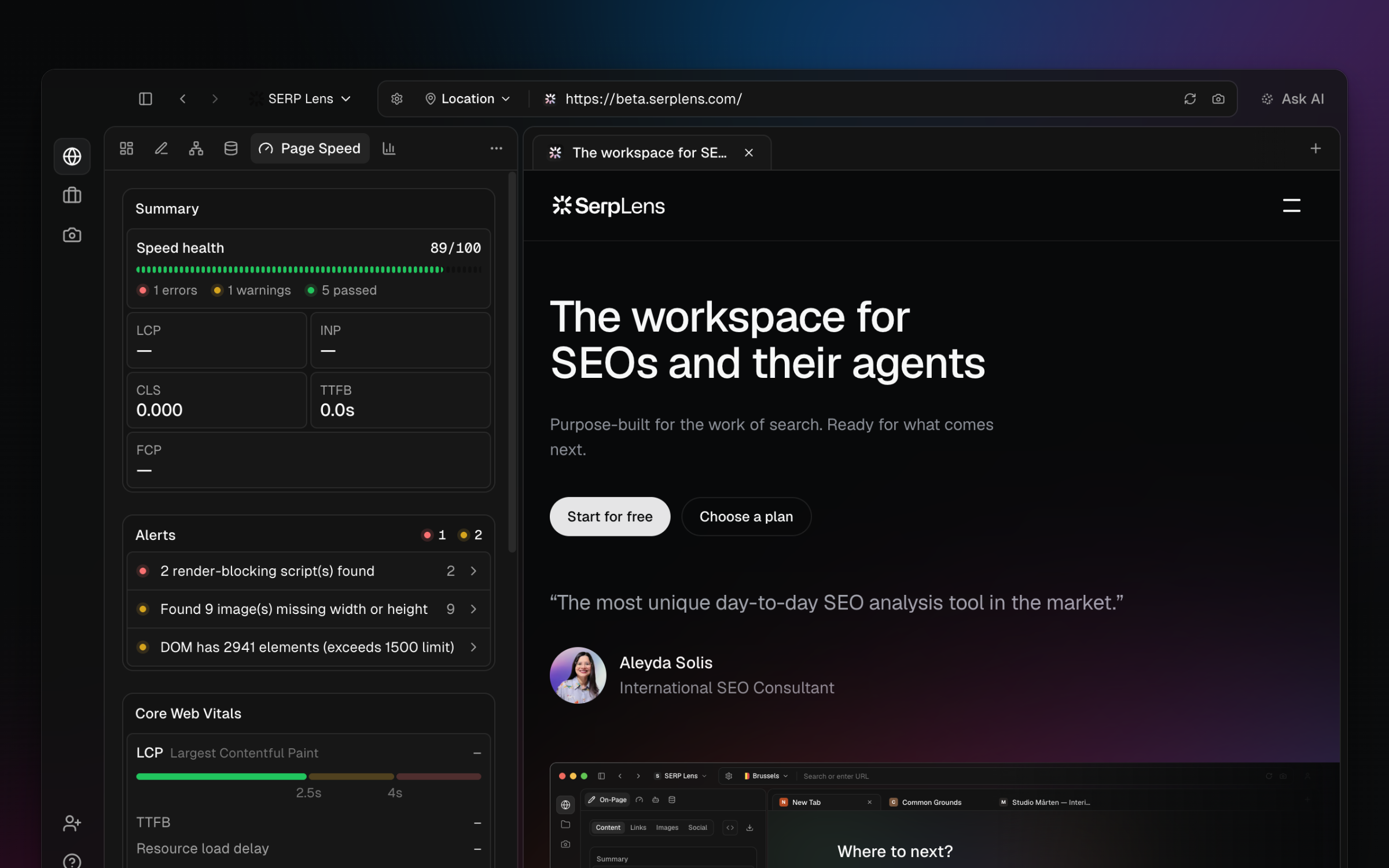
Web Vitals
| Metric | Good | Needs improvement | Poor |
|---|---|---|---|
| LCP | 2.5 seconds or less | Over 2.5 and up to 4 seconds | Over 4 seconds |
| INP | 200 milliseconds or less | Over 200 and up to 500 milliseconds | Over 500 milliseconds |
| CLS | 0.1 or less | Over 0.1 and up to 0.25 | Over 0.25 |
- Largest Contentful Paint (LCP) — when the largest visible content element finishes rendering.
- Interaction to Next Paint (INP) — the page's observed response to an interaction.
- Cumulative Layout Shift (CLS) — the amount of unexpected visual movement during the session.
Additional diagnostics
The panel also reports TTFB, FCP, page-load timing, resource weight, and attribution for the element or event behind a measurement.
Rerun a test
These are measurements from the current browser session. Network throttling, cache state, device emulation, page data, extensions in the page, and the selected VPN route can affect the result.
- Apply the page settings you want to test.
- Hard reload the page to start with a fresh navigation.
- Wait for the page and late-loading content to settle.
- Interact with the page when you need an INP measurement.
Use the same settings when comparing 2 runs. Treat a single local run as a diagnostic, not as field data from real visitors.