Switching teams
Switch the active SERP Lens team and understand which data and connections change with it.
Projects, rankings, screenshots, integrations, plan usage, and billing belong to a team. Switch teams from the browser topbar before working with another team's data.
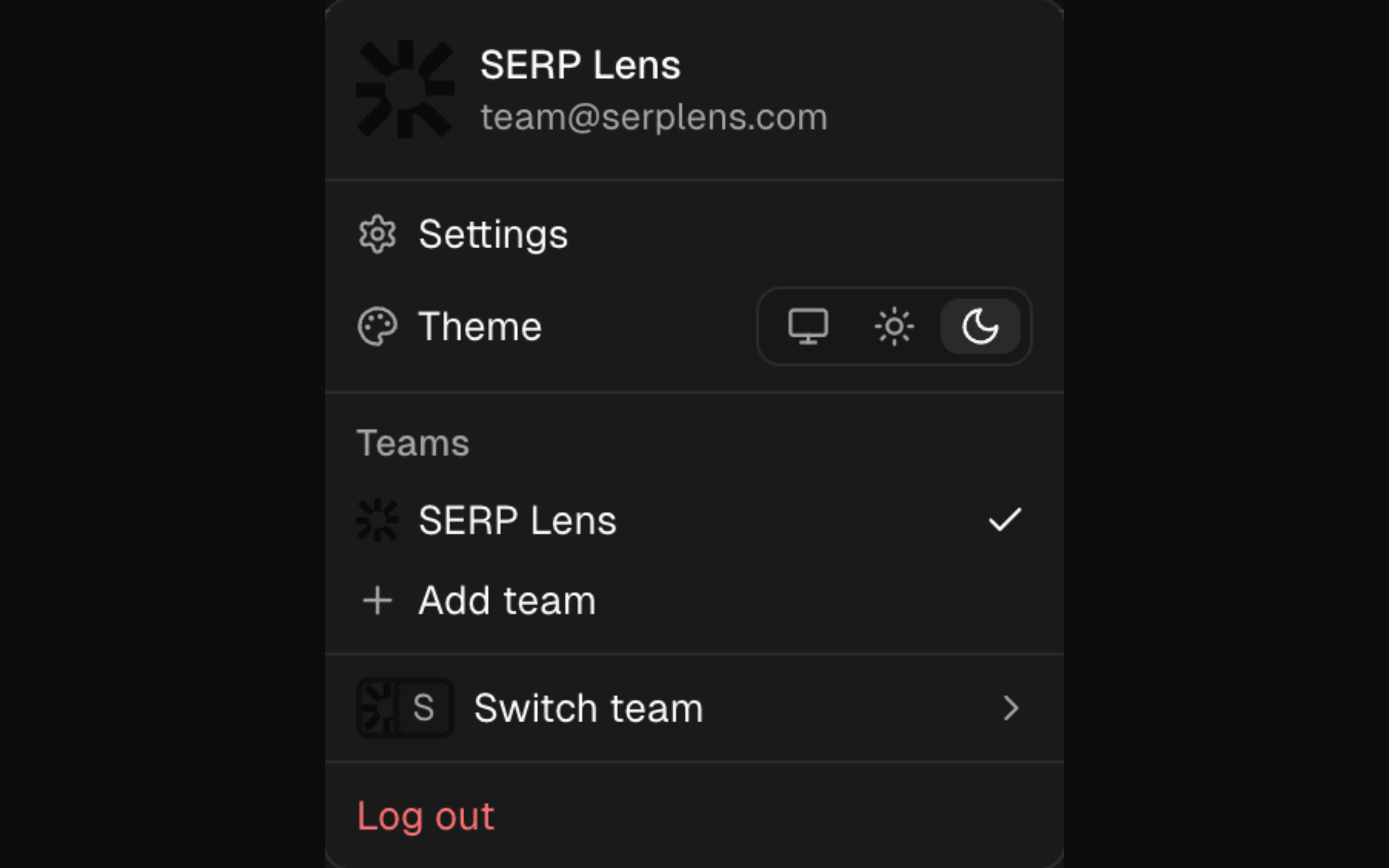
Switch the active team
- Click the active team's name in the browser topbar.
- Select another team under Teams.
- Wait for the selected team's data to load.
Use Add team in the same menu to create another team. Select Settings to manage teams that already belong to your account.
What changes
- Projects and rankings — project selection and keyword data update to the new team.
- Screenshots — the library shows files owned by the selected team.
- Integrations: connected accounts are scoped to the selected team.
- Plan and usage — capabilities, balances, and limits are reloaded for the selected team.
- VPN — SERP Lens disconnects the current VPN session. Connect again after the switch if the new team has access.
Team isolation
Membership in 1 team does not grant access to another team's data. Your role in the selected team also determines which settings and billing actions you can use.