Rank tracking credits
Understand how keywords, locations, devices, and refresh intervals determine rank tracking usage.
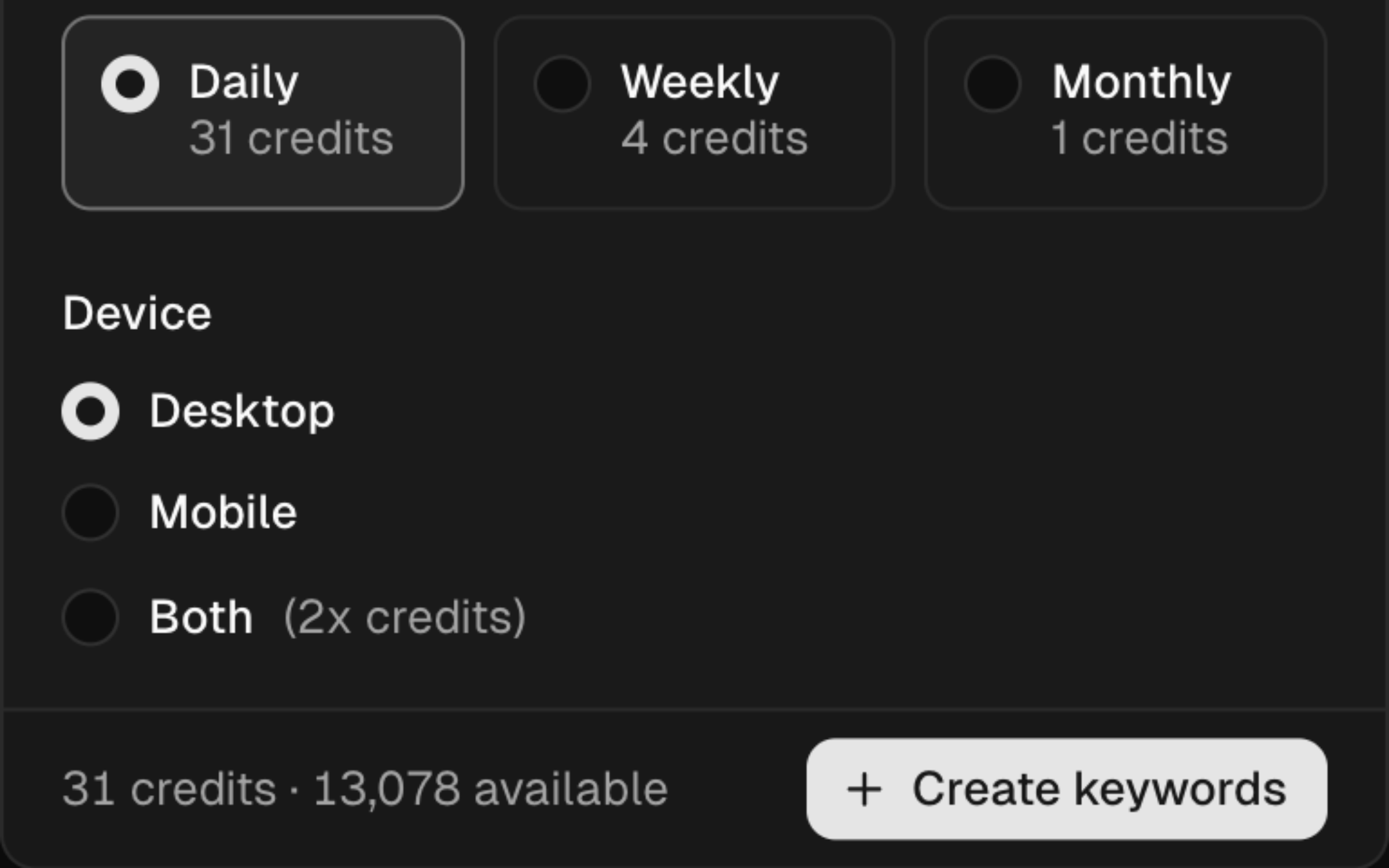
Ranking credits represent the tracking combinations attached to a project. The add-keywords form uses the live interval costs and team balance to calculate the requirement before saving.
Calculation
Required credits = interval cost × device multiplier × keywords × locations
| Input | Effect |
|---|---|
| Interval cost | The base value displayed for the selected refresh schedule |
| Desktop or mobile | A device multiplier of 1 |
| Both devices | A device multiplier of 2 |
| Keywords | Multiplies by the number of parsed keyword rows |
| Locations | Multiplies by the number of selected locations |
SERP Lens loads the interval cost from the live catalog. Check the value in the form each time you create a batch because it can change.
Example with the form's values
If the selected interval shows a base cost of B, a batch of 5 keywords across 2 locations uses:
- 1 device —
B × 1 × 5 × 2. - Both devices —
B × 2 × 5 × 2.
Check the final requirement shown in the form before confirming.
Balance
Settings → Billing shows the active team's ranking-credit limit and current usage. Removing tracked combinations or changing them to a lower-cost configuration can free capacity.
Insufficient credits
If the form reports that the requirement exceeds the available balance:
- Remove keywords or locations from the batch.
- Track desktop or mobile instead of both.
- Choose a less frequent interval when the project allows it.
- Open billing to review the options offered to the team.