Organization and export
Tag tracked keywords, manage them in bulk, and export project rankings as CSV.
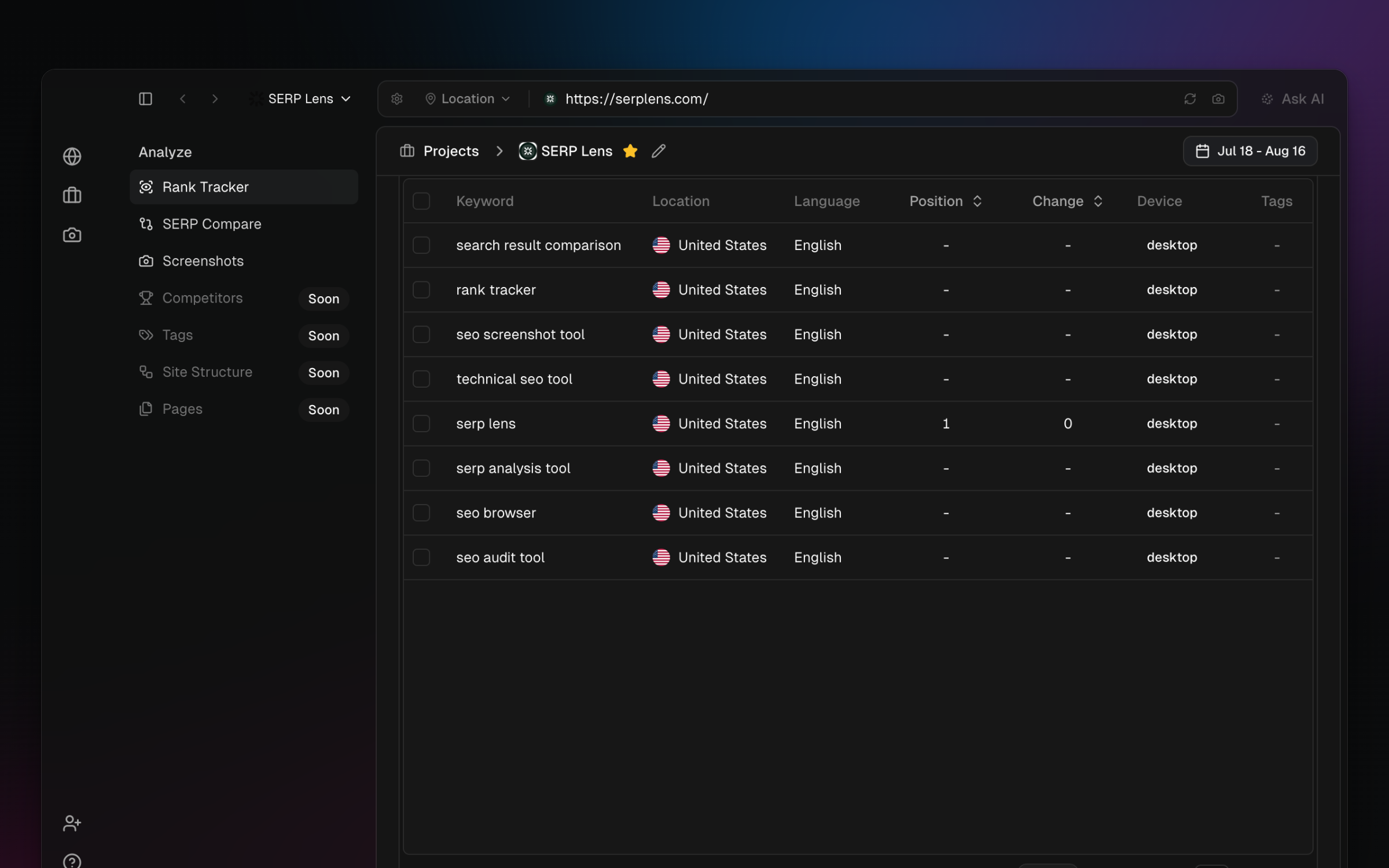
Use tags to label tracked keywords within a project. Open the tag manager from the keyword view to create, rename, or remove tags, then assign them from a keyword's row actions.
Bulk actions
Select keyword rows to reveal the actions supported for the current selection. Bulk deletion permanently removes the selected tracked keywords and their ranking history after confirmation.
CSV export
Choose Export in the keyword view to download the project's current ranking data as a CSV. Export fields include:
- Keyword — the tracked query.
- Location and device — the tracked target combination.
- Tags — project tags attached to the keyword.
- Last updated — the latest recorded check time.
- SERP features — recorded feature values where available.
- Status — the keyword's current tracking state.
Open the CSV in a spreadsheet or reporting workflow. Treat exported data as a snapshot; later checks do not update an existing file.