Links analysis
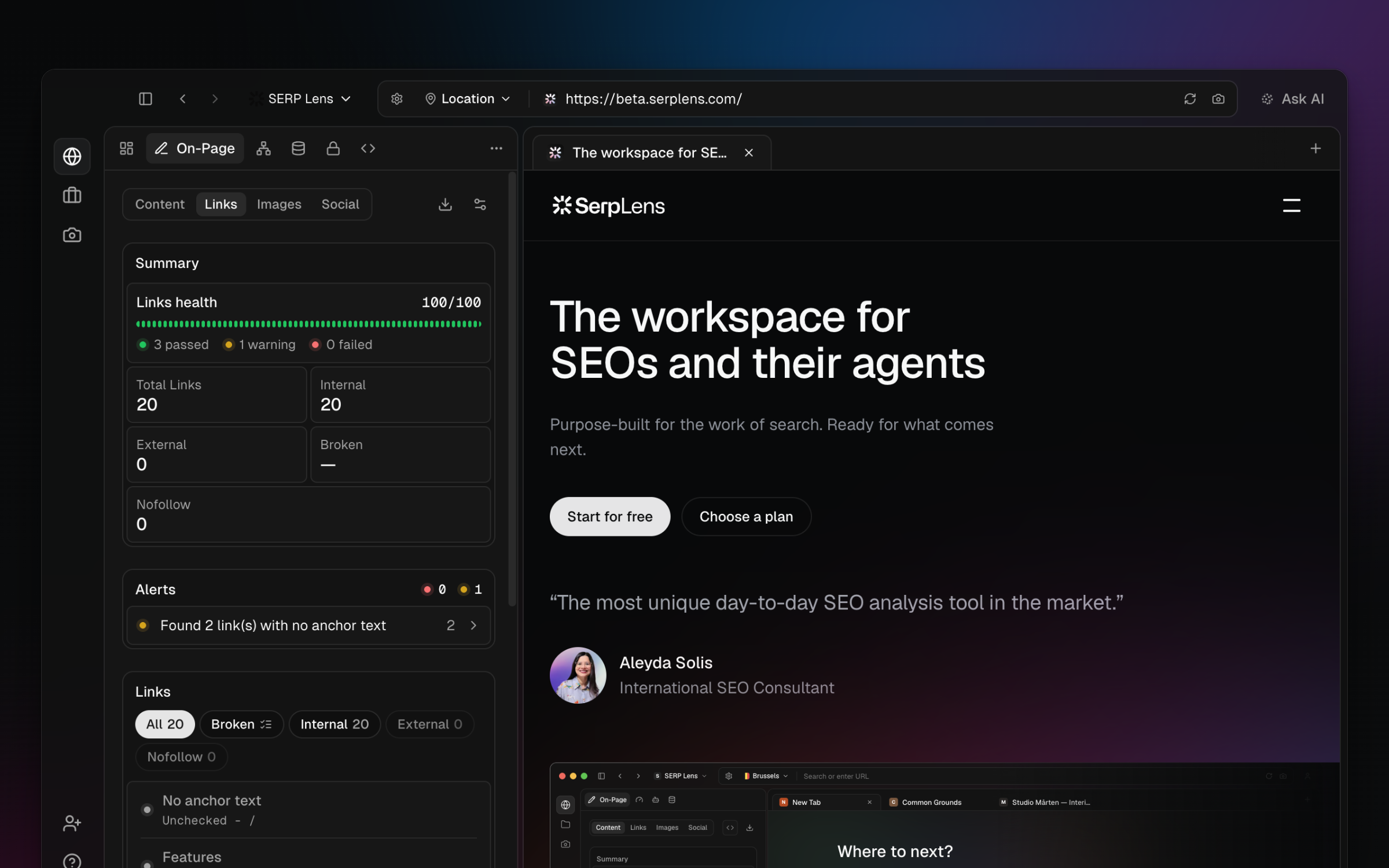
Review internal, external, follow, nofollow, and link-check status information in the On-Page Links tab.
Open On-Page → Links for the active page. Summary counts and filters separate the link groups extracted from the rendered page.
Link groups
- Internal — destinations on the page's current origin.
- External — destinations on another origin.
- Follow and nofollow — classification from the available
relvalues. - Status — response information when link checking is available to the active team and has completed.
Rows show the destination and any extracted anchor or context. CSV export includes additional values such as rel, target, and status when present.
Review process
- Filter the link set relevant to the audit.
- Inspect empty or misleading anchor text in the page context.
- Confirm that intentional
nofollow,sponsored, orugcvalues are present in the exported attributes. - Recheck status results that could be affected by authentication, rate limits, or a temporary response.