HTTP trace
Inspect the URL, status, duration, and final destination recorded during browser navigation.
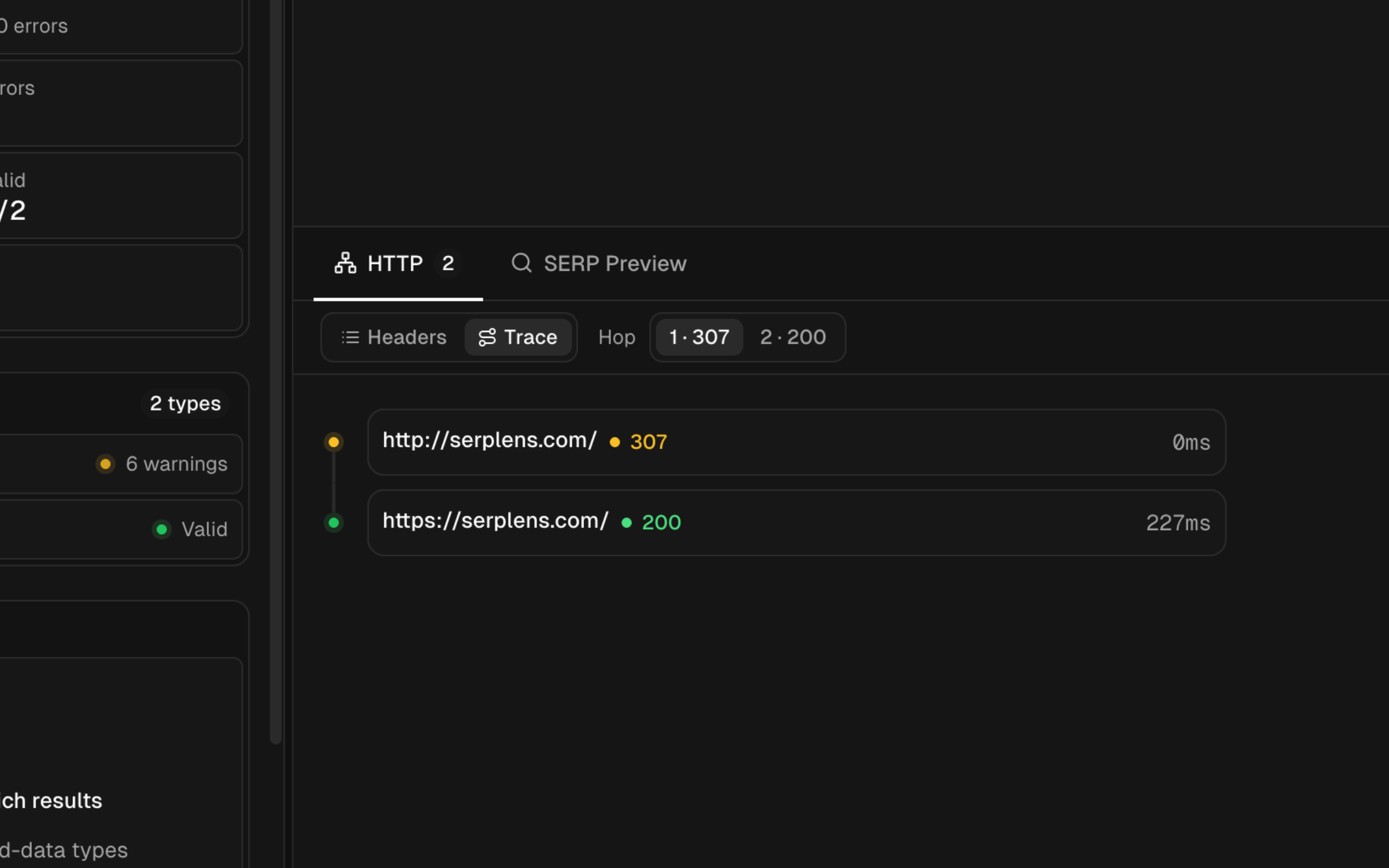
Open the HTTP trace from the browser bottom bar after navigating the active tab. It lists the requests SERP Lens recorded during that navigation.
Trace fields
| Field | Meaning |
|---|---|
| URL | The requested address for the entry |
| Status | The HTTP response status recorded for the request |
| Duration | The recorded request duration |
| Final URL | The destination after navigation or redirect handling |
Use the trace to confirm that an expected redirect occurred and to find avoidable intermediate requests. Open any recorded URL to inspect it directly.
Interpret with care
HTTP status alone does not determine the intended SEO behavior. Confirm whether a redirect is permanent or temporary, whether the destination is indexable, and whether the canonical and internal links now point to the final URL.
The trace only covers requests captured during the active navigation. It may not expose every loop, client-side redirect, cache layer, or response-header issue.