Rank tracking
Track keyword positions by location, language, device, and refresh interval within a SERP Lens project.
Rank tracking records search positions for the keyword combinations saved to a project. It runs separately from the live browser and VPN.
Tracking dimensions
- Keyword — the query to check.
- Location — 1 or more targets shown in the location selector.
- Language — the search language selected in the form.
- Device — desktop, mobile, or both.
- Refresh interval — 1 of the schedules offered in the form.
- Tags — optional project labels for organizing the keyword.
The form shows the required ranking credits before you confirm a new setup.
Keyword data
The project keyword view includes current and historical positions, status, SERP features, tags, and last-updated information where available. Open a keyword to inspect its ranking history and related result data.
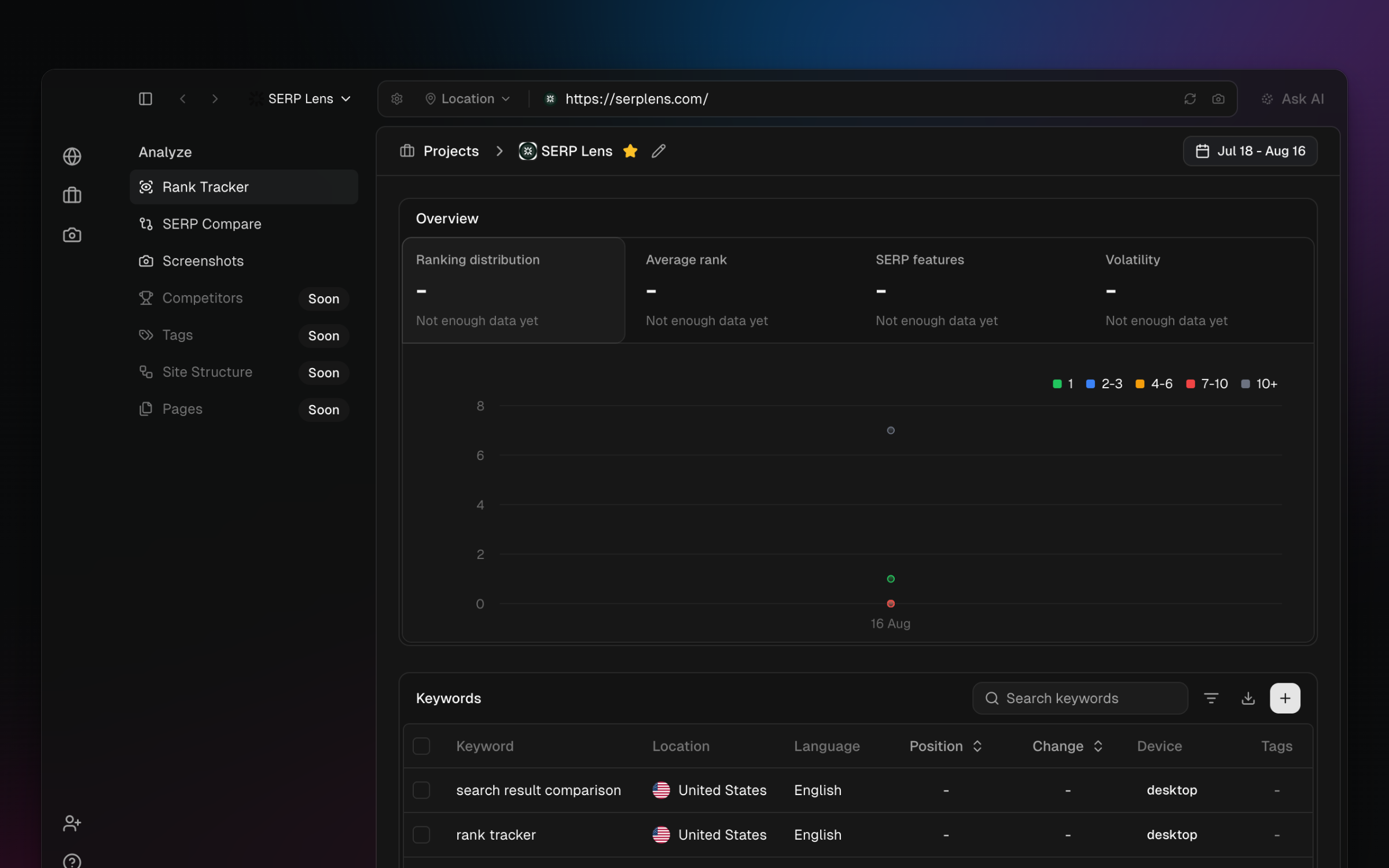
When competitor domains are attached to the project, open Competitor history from a keyword action to compare position changes over a selected period.
Manage the list
You can add keywords in batches, assign tags, select multiple rows for supported bulk actions, delete tracked combinations, and export the current project data as CSV.
Credits
Credit cost depends on the values shown in the add-keywords form. More keywords, locations, devices, or a more frequent interval can increase the requirement. See Rank tracking credits for the formula, then confirm the final total in the form.