VPN and location testing
Route browser traffic through an available SERP Lens VPN location for regional testing.
The built-in VPN routes browser traffic through the location you select. Use it to inspect regional search results, redirects, ads, and page variants from the same browser session.
Location access
The location selector shows the VPN locations available to the active team. Some locations carry a premium badge or an upgrade action. Availability comes from the team's current plan and capabilities.
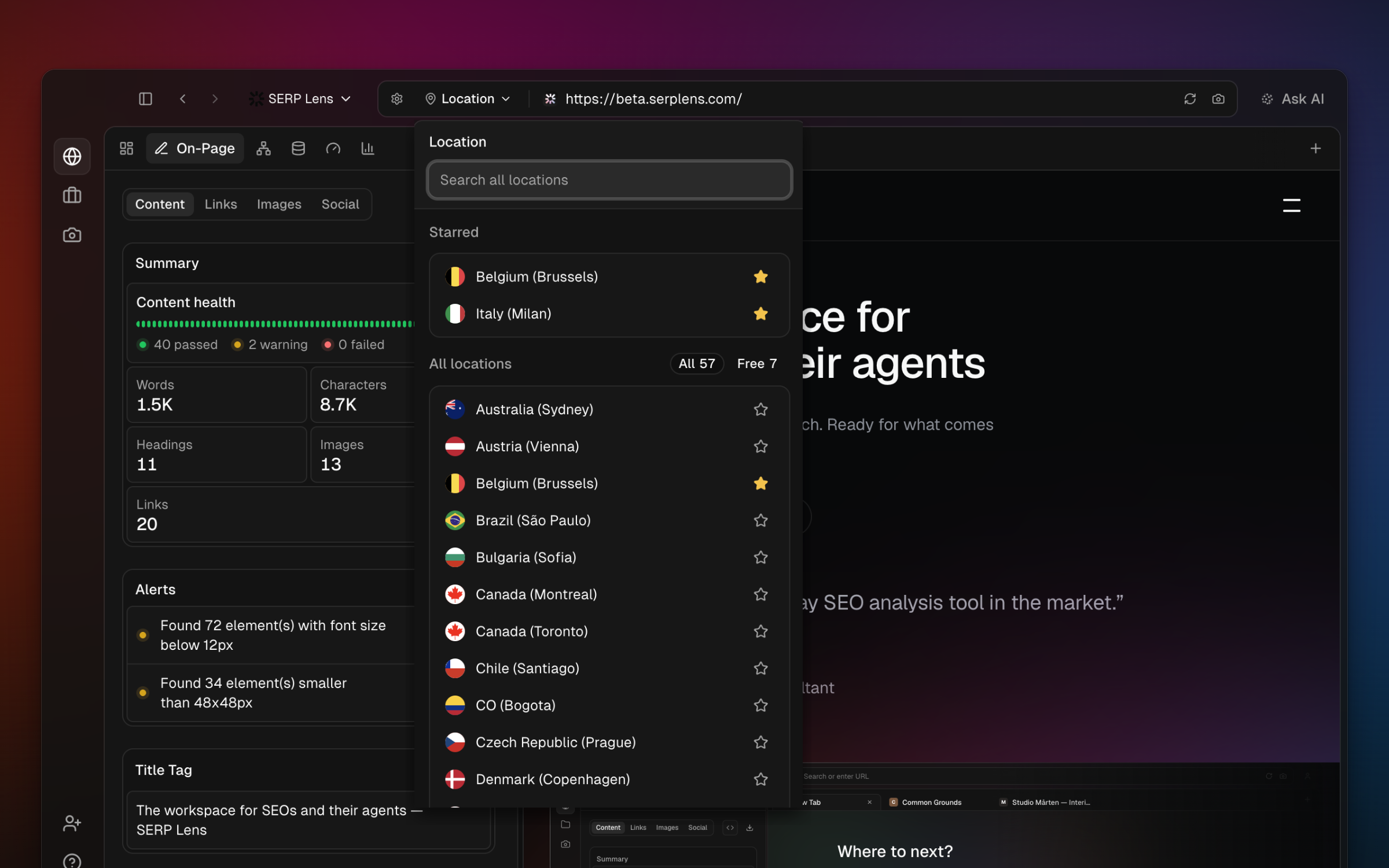
A VPN changes the network exit location. Search engines can still use account, language, domain, device, and personalization signals when choosing results.
Common tasks
- Regional SERPs — run the same query through different available locations and compare the returned result page.
- Geo redirects — check whether a site sends regional traffic to the intended URL.
- Localized pages — inspect the content, currency, language, or consent experience served from a region.
- Ad checks — review the ads returned for the selected location and search settings.
Usage
Finite VPN allowances are measured as network traffic. The app shows the active team's usage and renewal information when those values apply. See VPN traffic for details.