AI permissions
Control when the SERP Lens agent and connected MCP tools can perform an action.
The agent pauses at an approval card before actions that need your decision. Read the action, target, and arguments before choosing a permission.
Approval choices
An approval card can offer choices such as:
- Allow once — permit this action and ask again next time.
- Allow for chat — permit matching actions for the current chat.
- Always allow — save permission for future chats.
- Decline — do not run the current action.
The available choices depend on the action. URL approvals can also cover the site named on the card.
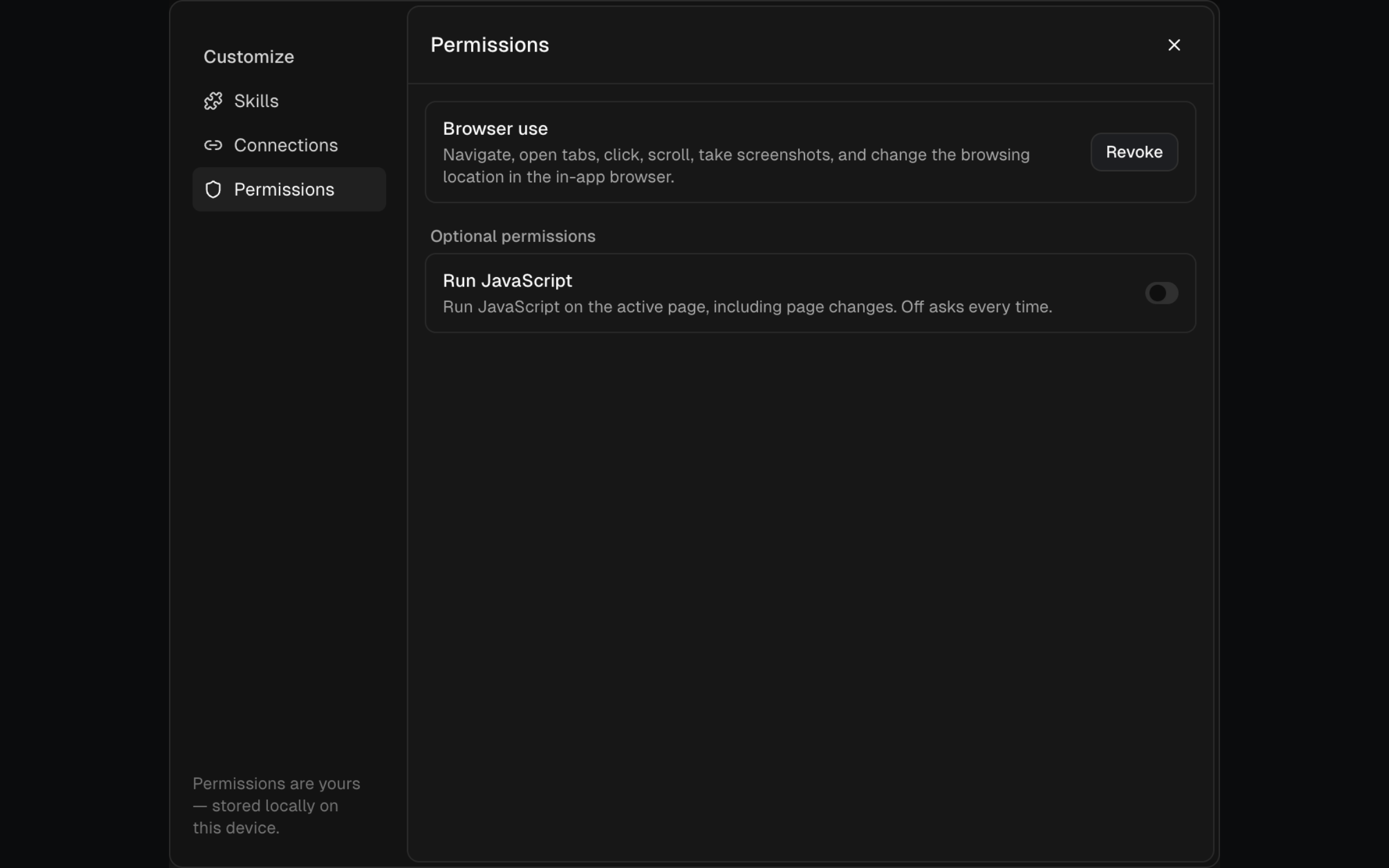
Manage saved permissions
Open Manage permissions from the AI customization view. Revoke a listed app-tool permission when it should return to asking. Website-specific URL grants are not shown in this list. Optional high-impact actions remain off until you explicitly opt in.
MCP tool policies
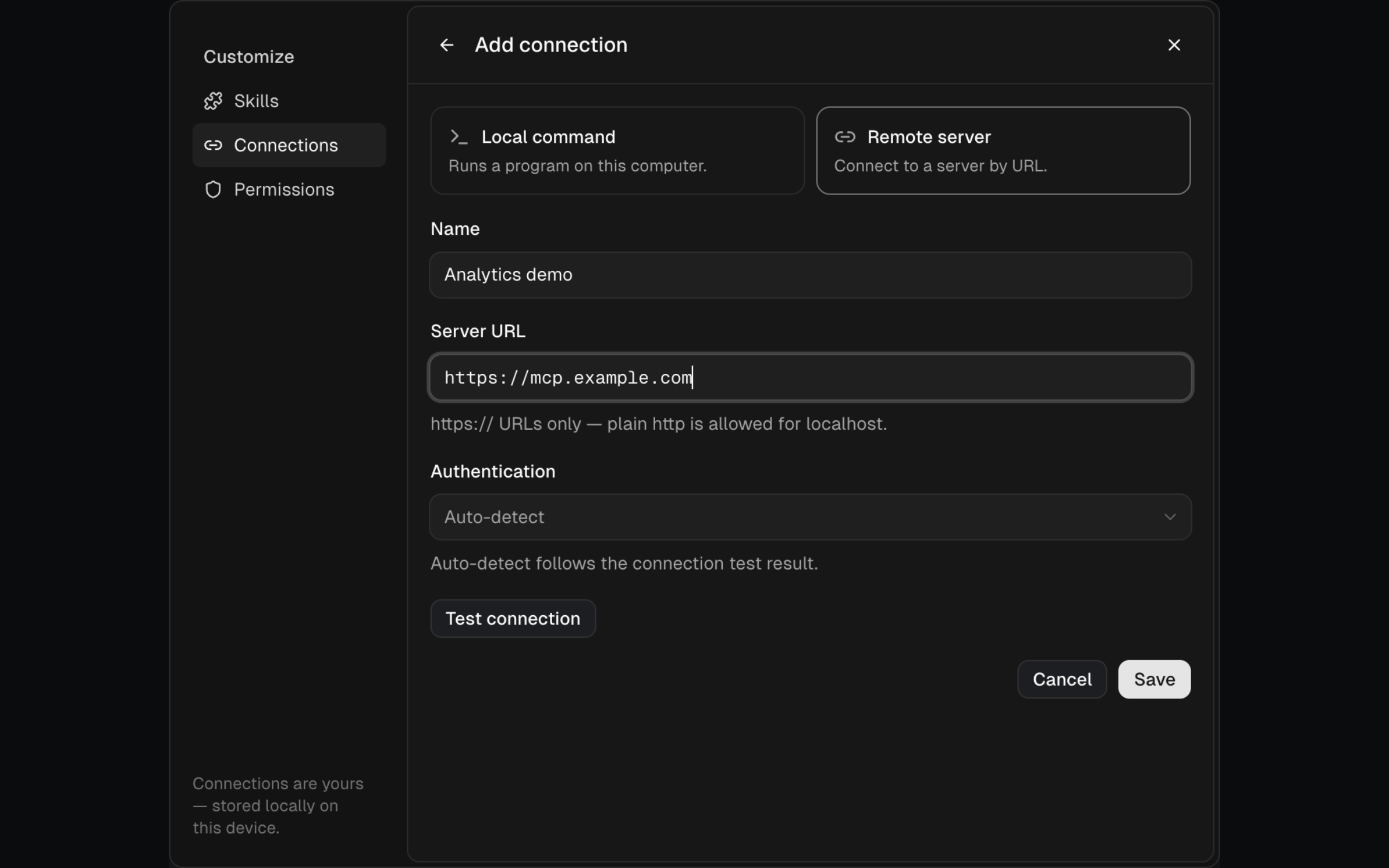
MCP permissions are stored with each connection. Open Connections, select the server, then set the server, group, or individual tool to:
- Always allow — run without asking.
- Ask first — show an approval for each run.
- Never allow — block the tool.
A tool's individual policy overrides the connection default. Recheck policies after a server exposes new tools.
Safe defaults
Keep browser changes, JavaScript execution, write-capable MCP tools, and tools that send data to another service on Ask first unless repeated unattended use is intentional.