Skills
Use built-in AI skills and create reusable instructions with starter prompts in SERP Lens.
A skill gives the agent a named set of instructions for a repeatable task. Open Skills from the AI composer or type / to choose an available skill.
Use a skill
- Open the AI panel and start or select a chat.
- Open Skills or type
/in the composer. - Select the skill you need.
- Add the page context and task details that the skill requires.
A skill guides the task. It does not bypass tool permissions or give the agent access to a tab you have not attached.
Manage skills
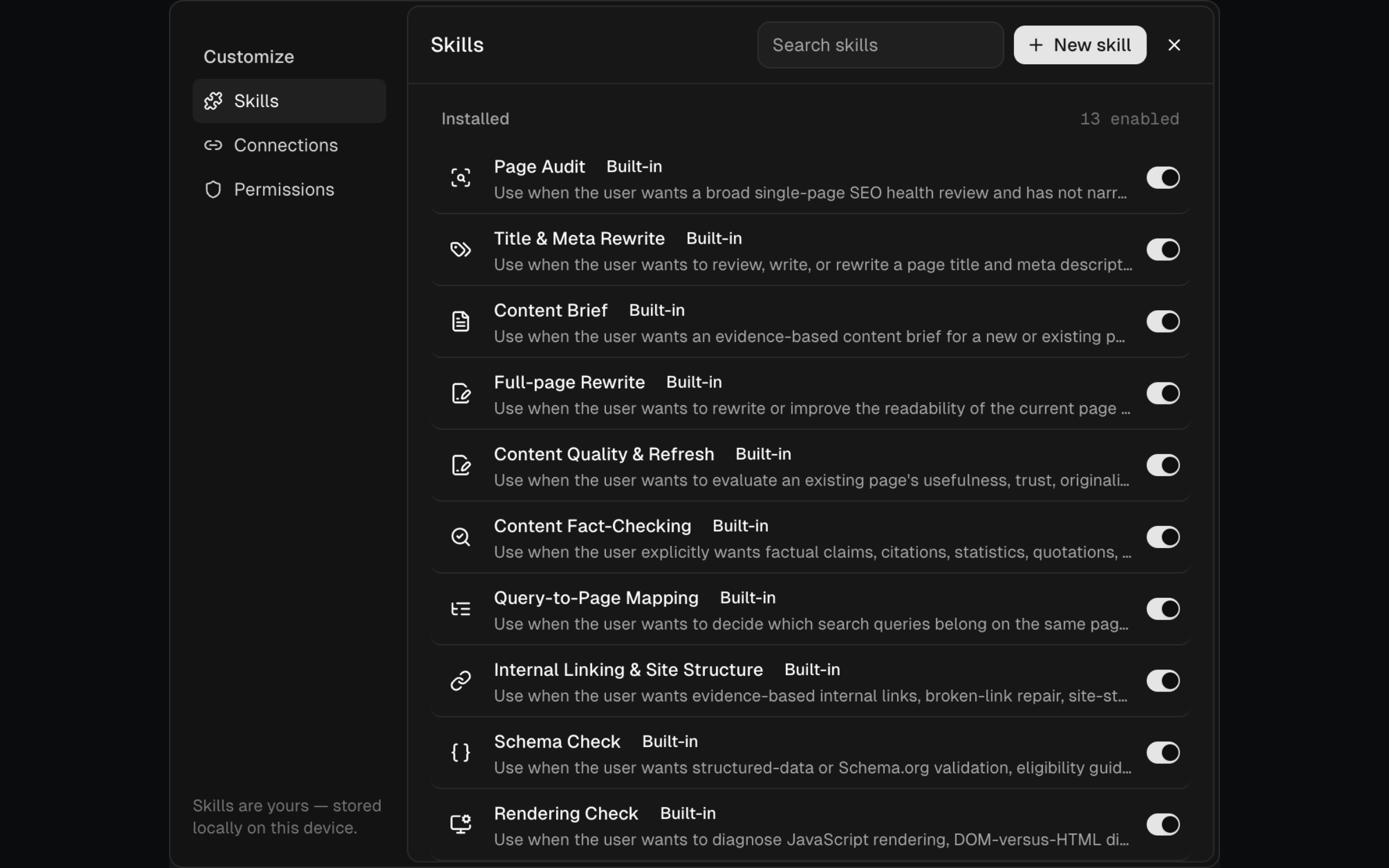
Open Manage skills to review the library. You can enable or disable available skills. Custom skills can also be created, edited, duplicated, or deleted from this view.
Create a custom skill
Write instructions that say what the agent should produce, which evidence it should inspect, and where it should stop. Add starter prompts for the most common entry points.
Keep account credentials, private keys, and other secrets out of skill instructions. Use a connection's credential field or environment variables when a tool requires authentication.